LeyloonJewelry AtelierHome

A useful answer should lead somewhere

Use a guide to settle one question, then carry that answer into your design.

Sizing, setting, stone, fit, and style guides are not separate dead ends. Each can shorten the private Atelier path by helping you decide one thing first.

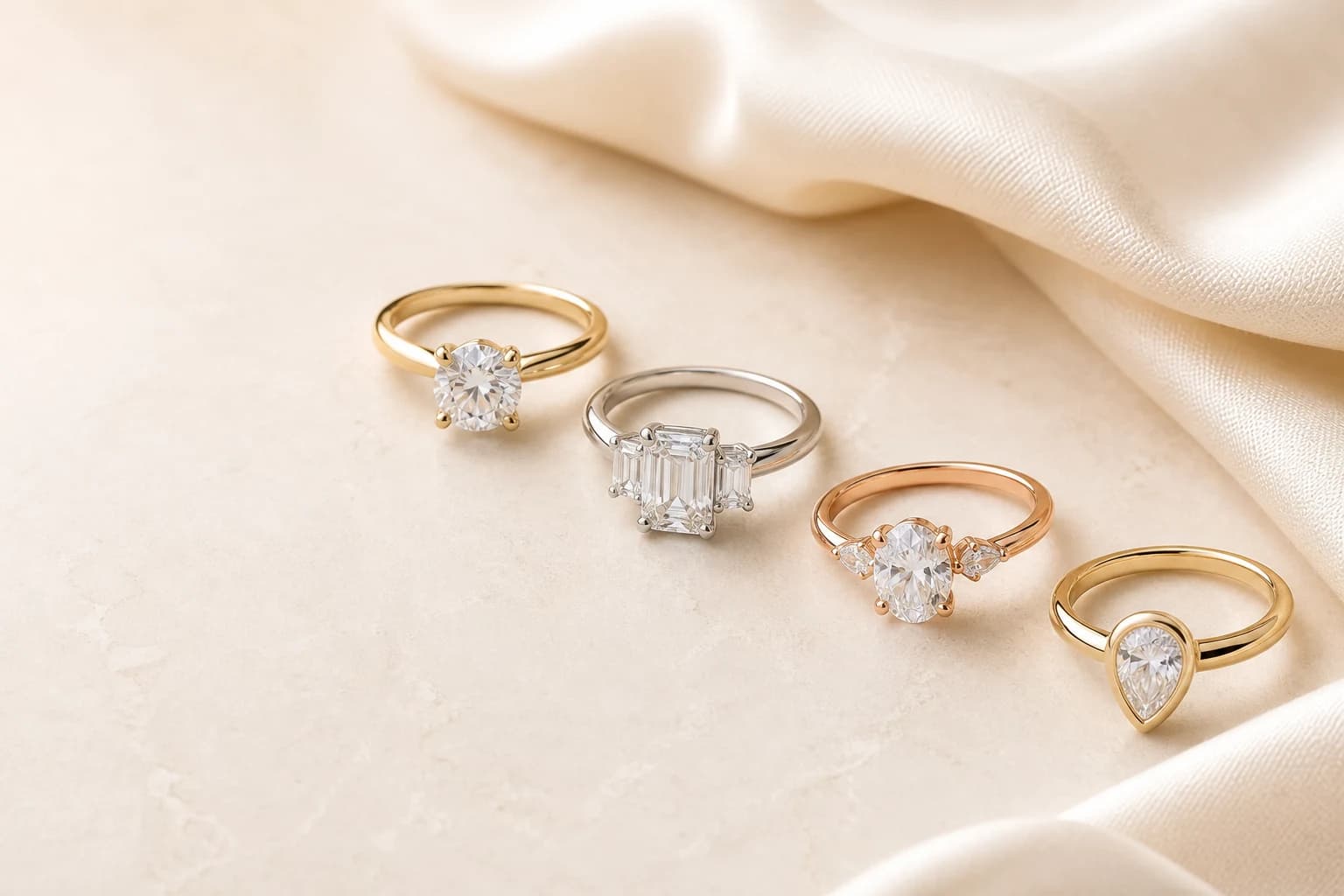
Four engagement-ring directions with distinct stone, setting, and metal combinations
Illustrative ring directions. Use them to isolate what you respond to—shape, setting, metal, proportion, or visual character—then keep those choices editable in Atelier.

Jewelry topics

Choose a topic

All 18 topic collections are open below. Pick one to see its complete set of guides.

Guide search

Find a guide on this page

Search the 48 guides shown below. To explore a complete subject, choose one of the topics above.

Page 1 of 7 · Guides 1–48 of 317

AI-assisted jewelry design to production

40 guides

The complete public education layer around Leyloon’s design, profile, stone, quote, human-review, production, fulfillment, value, and customs journeys.

Ring sizing and fit

8 guides

Measurement, conversion, fit, surprise sizing, and resizing decisions.

A thoughtful answer before the next step

Which Leyloon guide or tool should I use first?

What matters here

Organize entry points by the visitor's problem—size, stone, setting, gift, design, or care—not by an internal publishing taxonomy.

Real ways this can begin

Find the path that feels closest to yours

  1. Someone choosing between bezel and prongs should reach the setting comparison; someone carrying a ring measurement should reach a fit tool without reading a generic design pitch first.

  2. Use the page when the visitor knows one part of finding the right jewelry answer but wants help keeping the remaining choices open.

  3. For finding the right jewelry answer, use the Atelier handoff when the visitor is ready to preserve the relevant core choices and answer only what remains.

Compare the decision in context

Choose the right kind of guide

The best page resolves the decision you have now. Keep numbers with their units and methods, stone choices with exact listings, and design preferences with the page that helped you choose them.

DirectionUseful page typeCarry forwardWhat to keep with it
A measurementCalculator or visualizerNumber, unit, and methodKeep the reason for choosing measurement with the exact measurement, stone, or design being reviewed.
A style choiceComparison or quiz gatewayPreferred direction and dislikesKeep the reason for choosing style choice with the exact measurement, stone, or design being reviewed.
A stoneEducation plus current inventoryExact stone or open criteriaKeep the reason for choosing stone with the exact measurement, stone, or design being reviewed.
A custom ideaBrief or reference guideMeaning, use, and boundariesKeep the reason for choosing custom idea with the exact measurement, stone, or design being reviewed.

See how the choice changes

Three ways finding the right jewelry answer can begin

These examples show how finding the right jewelry answer may begin. They are planning scenarios, not customer stories or finished-piece promises.

Ring feels uncertain

You have a size but not the method behind it.

Direction
Open the Ring Size Center and strengthen the evidence.
Why it helps
Context prevents a bare number from misleading.

Stone looks different online

Color changes across photos.

Direction
Read the lighting guide and compare current media.
Why it helps
A screen view is not the whole color story.

Design is hard to describe

You have an image and two details you like.

Direction
Use the reference guide and name what should change.
Why it helps
A focused note is more useful than an exact-copy request.

Questions people ask in plain language

Answers for finding the right jewelry answer

Open the answer that helps with finding the right jewelry answer. Each response stays tied to “Which Leyloon guide or tool should I use first?

Where should I begin?

Choose the page matching the one decision you need now.

Are calculators final sizing advice?

They are starting directions; keep the method and review fit for the exact piece.

Can a guide remember my choice?

Contextual actions can carry supported selections into Atelier or your profile.

Are stone guides about exact inventory?

Education explains a category; current stone pages own availability and specific details.

Can I design from a guide?

Yes. Use its specific design action rather than starting blank.

Carry the useful details forward

Keep the brief clear when you continue

Organize entry points by the visitor's problem—size, stone, setting, gift, design, or care—not by an internal publishing taxonomy.

  1. Measure: Use a calculator when the question is physical size.

  2. Compare: Put two or three genuine directions side by side.

  3. Visualize: See scale before choosing a label like small or large.

  4. Choose materials: Connect wear, color, care, and budget.

  5. Plan a design: Turn decisions into a private brief.

  6. Care: Use cautious guidance and professional help when needed.

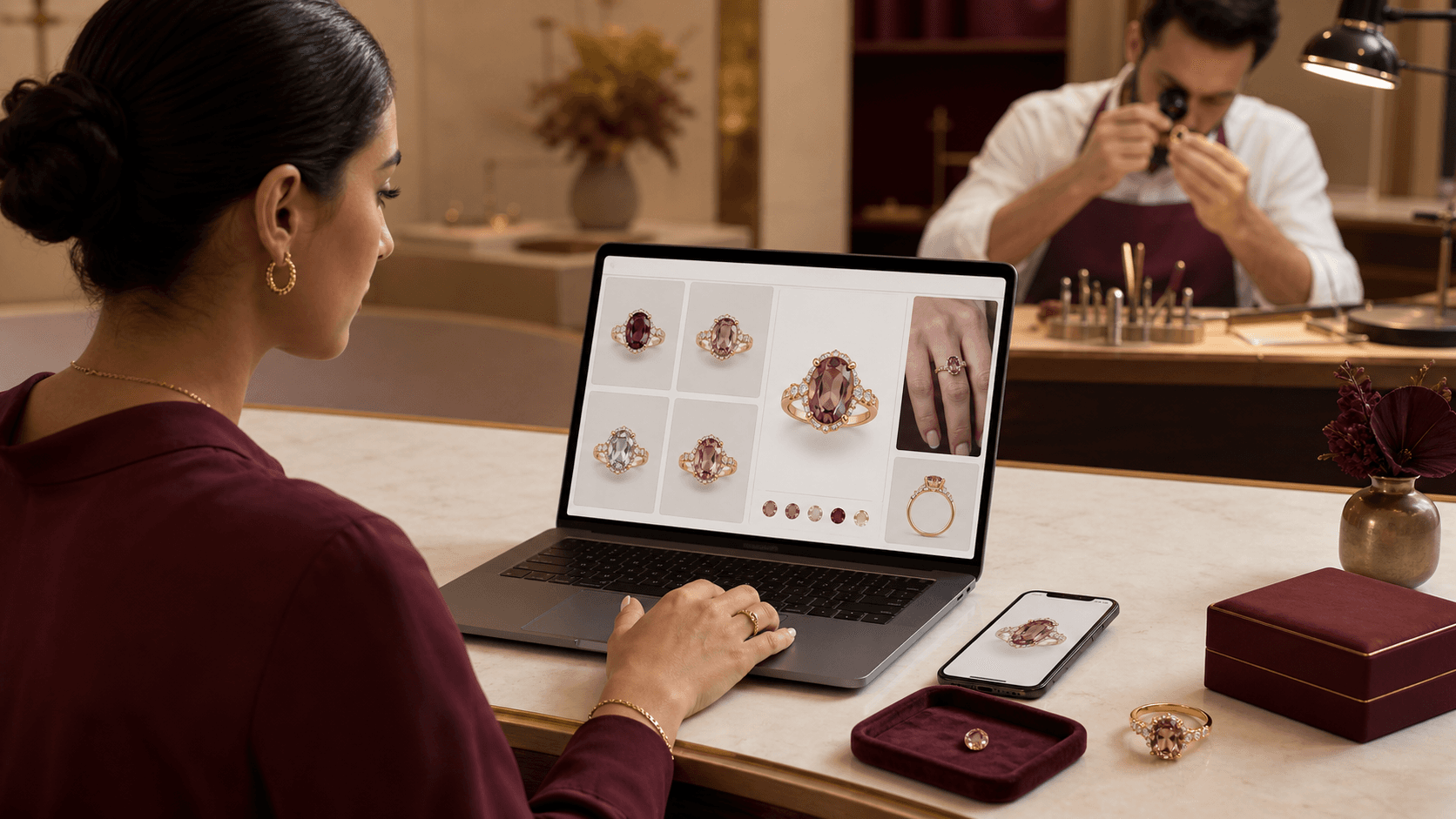
Illustrative person comparing multiple jewelry directions in a digital Atelier while a jeweler reviews a ring
Illustrative scene, not a customer testimonial. Customers shape the visual direction; Leyloon reviews the details, quote, and making path. Here it supports the decisions behind “Use a guide to settle one question, then carry that answer into your design.

A visual map of this brief

See what stays known—and what remains open

This route begins with “Use one clear answer to make the next jewelry choice easier.” The next choices stay grouped, editable, and connected to that same Atelier brief.

  1. Piece to designChoose one piece. The following questions adapt inside Atelier.
  2. Laboratory-grown gemstoneChoose the gemstone first. The color choices will adapt to an exact named choice; choose another gemstone to leave its type open for Atelier.
  3. Color directionThese choices follow the gemstone above. Exact shade still belongs to the stone you review.
  4. Stone shapeChoose the complete outline family you want to start from.

Start with what matters on this page

Choose the stone before its color and setting

Start with the piece and gemstone choice. The later choices should follow that decision, not compete with it.
01 Piece to designChoose one

Choose one piece. The following questions adapt inside Atelier.

02 Laboratory-grown gemstoneChoose one

Choose the gemstone first. The color choices will adapt to an exact named choice; choose another gemstone to leave its type open for Atelier.

03 Color direction

These choices follow the gemstone above. Exact shade still belongs to the stone you review.

One choice comes firstChoose the gemstone first, then its useful color directions will appear here.
04 Stone shape

Choose the complete outline family you want to start from.

05 Stone size direction

Carat is weight, not a guaranteed face-up dimension. Atelier keeps this editable and lets the exact measurements decide the fit.

Carat-weight directionChoose a starting weight

Carat is weight, not face-up size. This graphic is illustrative: visible spread changes with shape and proportions. Exact dimensions, price, and availability are reviewed separately.

What else should Atelier help with?

Add only the parts you want to explore. The page topic is already included.

Stone detailsIncluded from this page

Choose piece to design and laboratory-grown gemstone to continue. “Not sure” is a valid choice.

Published customer proof

Real experiences, kept separate from promises

Only approved purchase-linked reviews appear here. An illustrative scene is never presented as a customer, and one person’s experience is never treated as a promise for another piece.

See what Leyloon customers have shared

Read recent shop reviews on Etsy, then come back when you are ready to shape your own custom jewelry direction.

See Leyloon reviews on Etsy

These reviews reflect individual Leyloon service experiences. Your custom jewelry direction and quote request are reviewed on their own.