Leyloon Atelier · Start with an idea
Start a custom jewelry design from an idea
You do not need a finished brief. Begin with one meaningful detail and how the piece should feel in daily life.
Share the piece, person, feeling, and practical details you already know. Leyloon Atelier turns them into a design beginning for Leyloon to review with you.
Open Atelier to review or add your brief. Check its visibility setting before adding personal details or choosing to share anything.
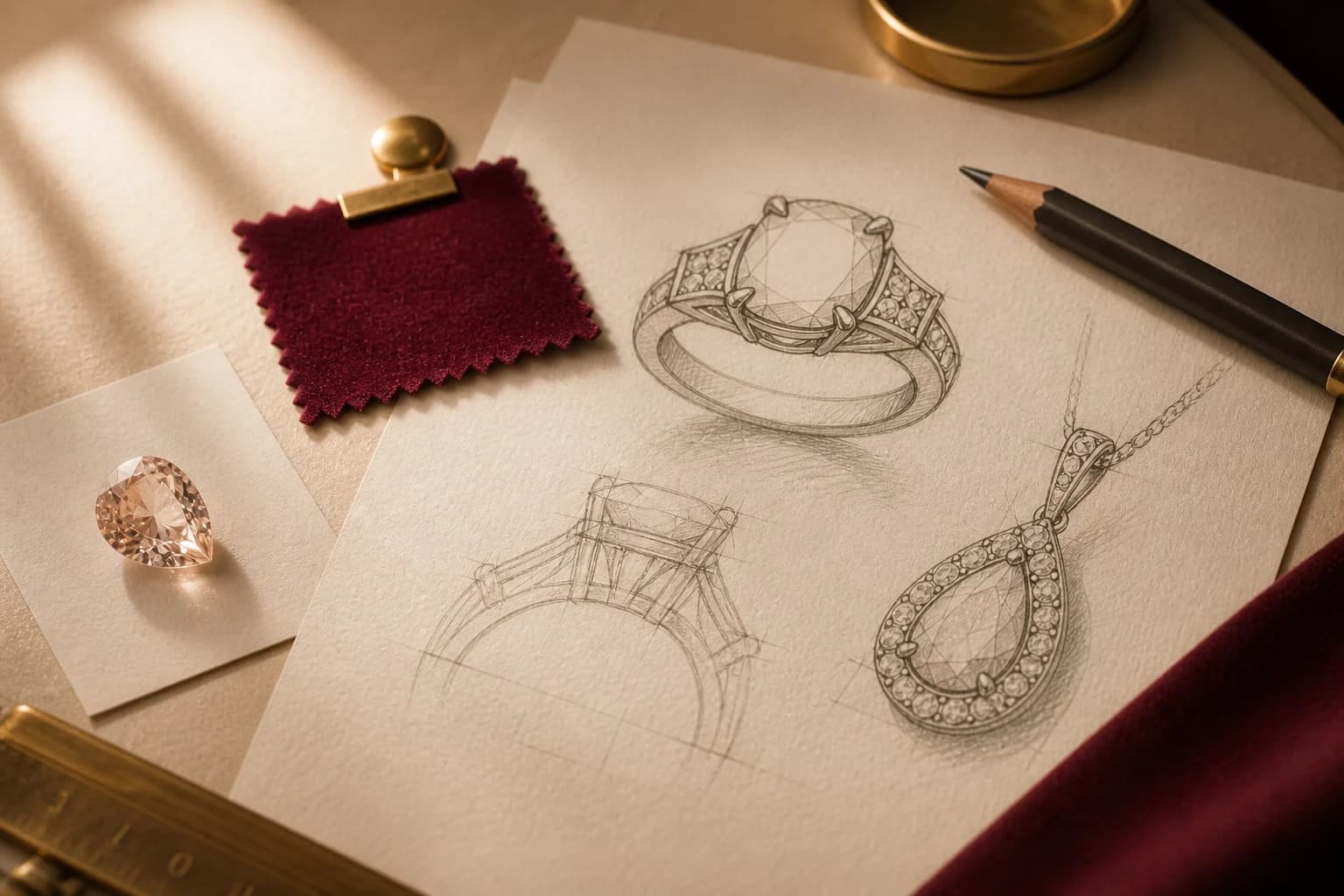
What to bring
Bring the part that already feels clear
A short starting point is enough to make the first conversation useful.- 01
The person and occasion
Share who the piece is for and what you want it to express.
- 02
The detail to keep
Name a shape, stone, color, texture, symbol, or feeling that matters.
- 03
How it will be worn
Add routine, comfort, fit, and care needs that may guide the design.
Thoughtful guidance
Explore the decisions in detail
Start with the piece and its purpose, then add only the decisions you know: stone direction, metal, setting or structure, style, scale, use, must-keep details, and details to avoid. Mark unknowns openly and keep the result for human review.
A local, non-generating prompt worksheet that turns a broad jewelry idea into a clearer concept direction without treating the result as a final design.
What this guide covers
- Name the piece, purpose, and intended wearer or use.
- Add known materials, form, style, scale, and exclusions.
- Review the written direction before any image, quote, or making step.
Inputs for a useful first prompt
No field is a promise. Use known choices, write “open” where a decision remains, and leave sensitive personal information out unless it is necessary and permitted.
Foundation
Piece type, purpose, intended use, general wearer context, and the feeling the piece should carry.
Jewelry direction
Stone category or none, shape, color direction, metal, setting or structure, profile, scale, and view.
Boundaries
Must-keep details, details to avoid, known dimensions, open decisions, reference permission, and questions for a jeweler.
Build the prompt in four passes
This worksheet arranges the details you provide in a clear order. It does not create an image, score the design, clear rights, calculate sizing, prepare a quote, or save your answers.
- 1 — Open with the piece
Write one direct sentence naming the jewelry type, purpose, use, and desired feeling.
- 2 — Add visible decisions
Name stone, metal, setting or structure, style, scale, profile, and viewing angle only when known.
- 3 — Protect the intention
List what must remain, what should not appear, and which permitted reference detail matters.
- 4 — Mark the open questions
Finish with unknowns for customer, rights, stone, construction, wear, and quote review.
The only result is a reviewable written direction. It should be easy to read on a phone and honest about every unresolved choice.
One compact prompt
A short paragraph that keeps the customer's meaning and main visual decisions together.
A visible unknowns list
A separate list for materials, rights, dimensions, wear, construction, price, timing, or any other undecided point.
A human-review handoff
Questions for the customer and jewelry reviewer before an image is trusted, a quote is requested, or anything is made.
The prompt is not a specification
Result boundary
This worksheet does not generate or save an image. A prompt cannot establish originality, rights, stone or metal identity, exact scale, fit, construction, durability, price, timing, availability, or production approval.
Continue exploring
Related guides
Helpful answers
Questions before you begin
- Is the first image a finished jewelry specification?
- No. It is a design preview. Leyloon reviews the structure, scale, materials, fit, price, and making details with you next.
- When do I receive a price?
- When a direction feels right, request a quote from it. Leyloon reviews the details and adds the price and available options to that same request.
When you are ready