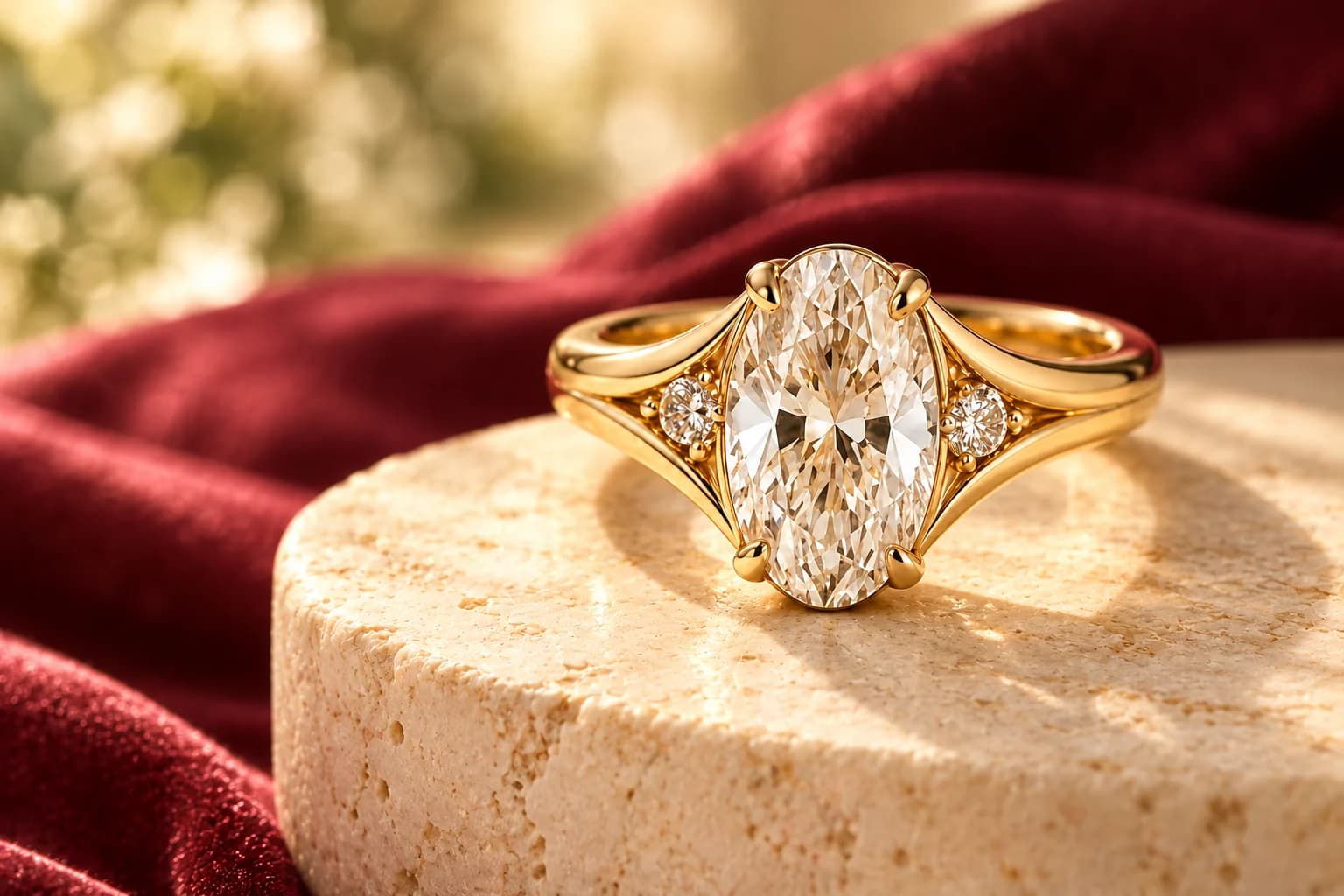
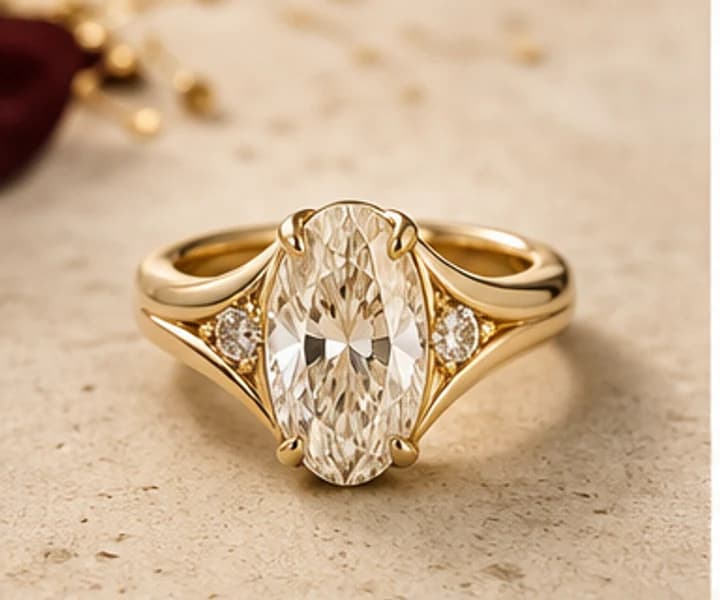
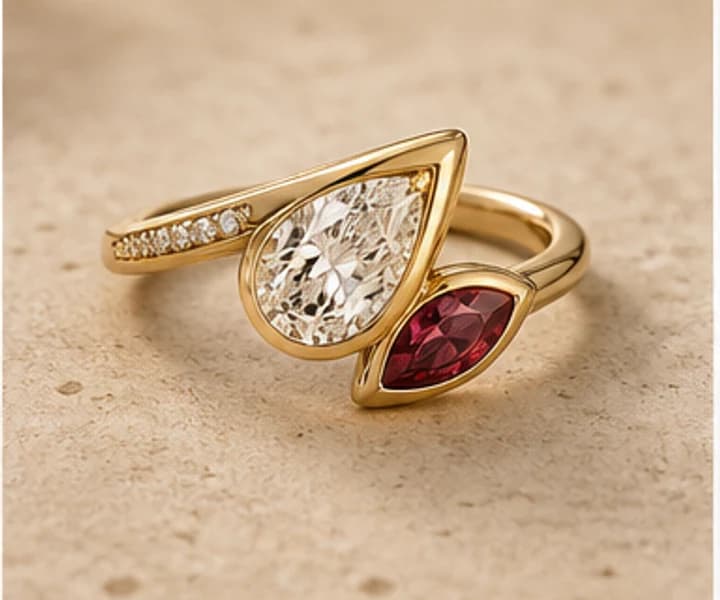
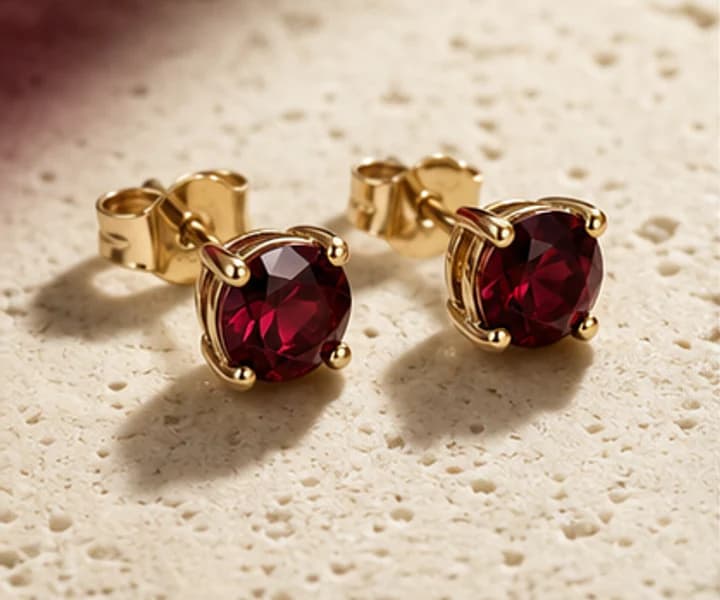
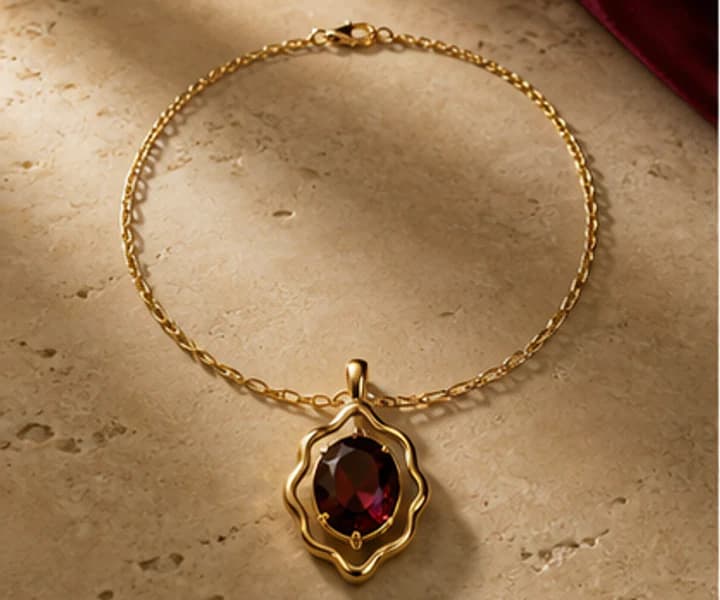
Illustrative scene—not a customer testimonial. You direct the visual exploration; Leyloon reviews feasibility, options, approvals, and making details with the active request.
A thoughtful answer before the next step
What can I actually do at Leyloon?
What matters here
Show three honest beginnings—explore real jewelry, shape a design in Atelier, or ask for help—then explain what each path produces before asking for commitment.
Real ways this can begin
Find the path that feels closest to yours
01
A visitor with only a feeling can begin with purpose and style; someone holding a stone or reference can keep that known fact and skip past it in Atelier.
02
Use the page when the visitor knows one part of choosing a useful first step but wants help keeping the remaining choices open.
03
For choosing a useful first step, use the Atelier handoff when the visitor is ready to preserve the relevant core choices and answer only what remains.
Compare the decision in context
Three useful ways to begin
Pick the starting point that is already clearest to you. Keep the chosen preview, exact stone when one is selected, permitted references, size context, and requested changes connected to the same design.
Direction
Best when
Next action
What to keep with it
Guided choices
You want help naming preferences
Select only the topics that matter
Keep the reason for choosing guided choices with the exact measurement, stone, or design being reviewed.
Prompt or story
You can describe a feeling or detail
Generate a first direction
Keep the reason for choosing prompt or story with the exact measurement, stone, or design being reviewed.
Exact stone
The center is already chosen
Design around its proportions
Keep the reason for choosing exact stone with the exact measurement, stone, or design being reviewed.
Reference image
A visual says more than words
Explain what to keep and change
Keep the reason for choosing reference image with the exact measurement, stone, or design being reviewed.
See how the choice changes
Three ways choosing a useful first step can begin
These examples show how choosing a useful first step may begin. They are planning scenarios, not customer stories or finished-piece promises.
01
Proposal ring
You know the wearer loves low settings and oval stones.
Direction
Carry those two choices into the ring path.
Why it helps
The remaining questions stay editable.
02
Meaningful pendant
A memory matters more than a finished sketch.
Direction
Translate the symbol into a private visible or hidden detail.
Why it helps
The story leads without dictating every line.
03
Exact-stone design
A current stone page holds your preferred stone.
Direction
Open Atelier from that stone so its identity stays connected.
Why it helps
The setting can respond to real proportions.
Questions people ask in plain language
Answers for choosing a useful first step
Open the answer that helps with choosing a useful first step. Each response stays tied to “What can I actually do at Leyloon?”
Do I need a finished jewelry idea?
No. One useful detail is enough to begin.
Can I make more than one design?
You can explore and refine directions before choosing one for review.
Is the preview the finished piece?
It is a visual beginning; Leyloon confirms fit, materials, stone, and making details.
Can I use my own photo?
Use a photo you may share and explain which details should inspire a new direction.
Can I start from an exact stone?
Yes. Use the design action on the current stone page so its identity stays connected.
Carry the useful details forward
Keep the brief clear when you continue
Show three honest beginnings—explore real jewelry, shape a design in Atelier, or ask for help—then explain what each path produces before asking for commitment.
01
Piece: Choose the kind of jewelry first.
02
Stone: Browse an exact stone or keep the stone open.
03
Style: Name one line, era, detail, or feeling.
04
Reference: Point to what you like, not an exact copy.
05
Fit: Carry sizes and comfort notes privately.
06
Budget direction: Use it to guide tradeoffs without inventing a price.
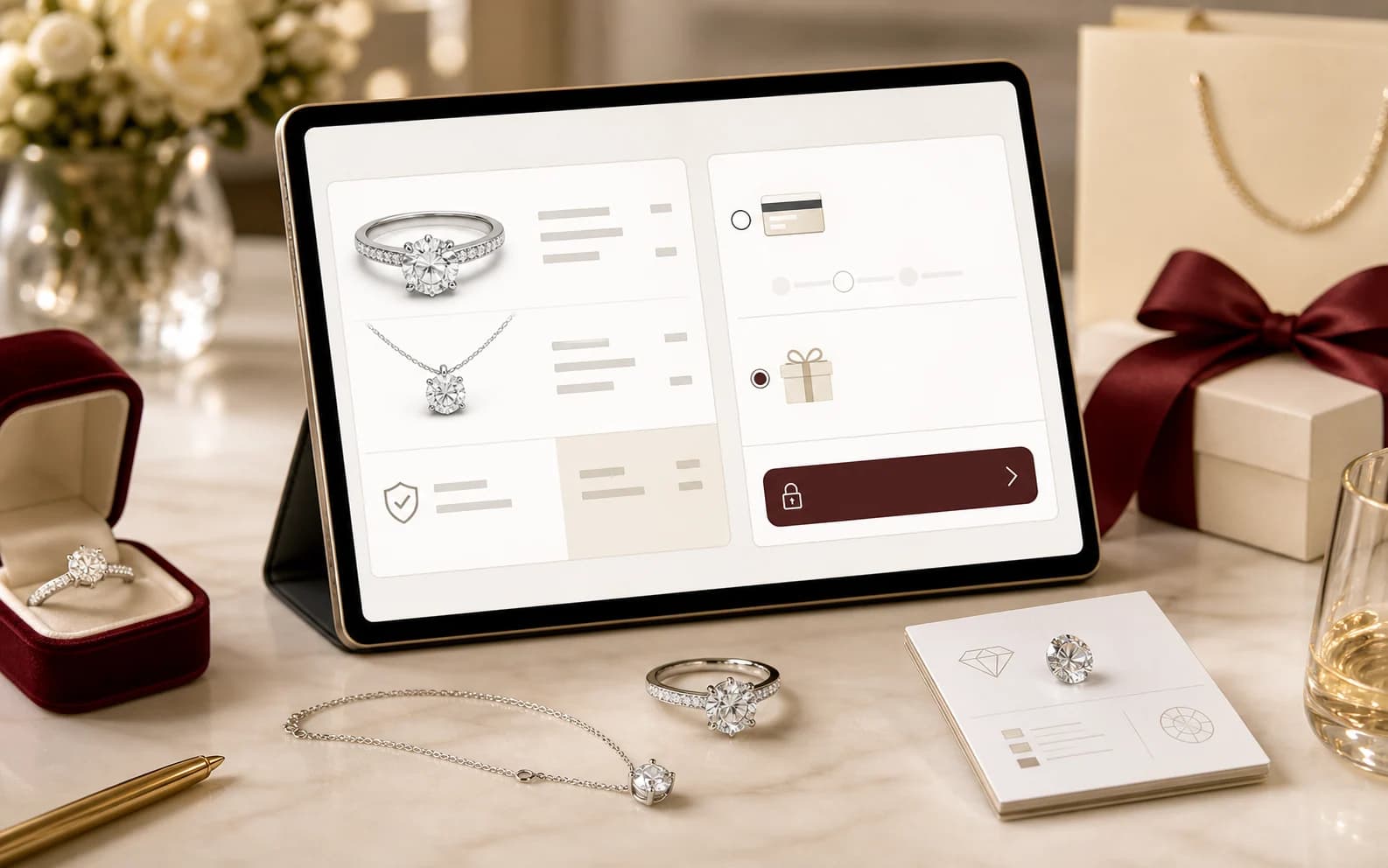
Illustrative scene, not a customer testimonial. Customers shape the visual direction; Leyloon reviews the details, quote, and making path. Here it supports the decisions behind “Every useful path can lead to the same private design conversation.”
A visual map of this brief
See what stays known—and what remains open
This route begins with “Start with one detail you care about, then see the jewelry take shape.” The next choices stay grouped, editable, and connected to that same Atelier brief.
01
Stone shapeChoose the complete outline family you want to start from.
02
Color directionChoose the visible color family; the exact stone and lighting still need review.
03
Stone size directionCarat is weight, not a guaranteed face-up dimension. Atelier keeps this editable and lets the exact measurements decide the fit.
04
Ring settingChoose one coherent structure for how the center should sit.
Start with what matters on this page
Choose by category, then continue where you left off
Each row is one complete category—not a mixture of unrelated settings, sizes, and stones. Choose one answer in any row, skip what you do not know, and edit everything later in Atelier.
Nothing selected yet. You can still continue and answer in Atelier.
Published customer proof
Real experiences, kept separate from promises
Only approved purchase-linked reviews appear here. An illustrative scene is never presented as a customer, and one person’s experience is never treated as a promise for another piece.
See what Leyloon customers have shared
Read recent shop reviews on Etsy, then come back when you are ready to shape your own custom jewelry direction.