A permitted photo
Show the silhouette, relationship, or feeling you want to explore. Add real measurements separately when fit or scale matters.
Start with what you have. Leyloon helps you shape a clear design direction. When one feels right, request a quote and Leyloon will add the reviewed price and available options to that same request.
Use only photos or drawings you may share. Images are visual references, and dimensions cannot be inferred without measurements. Exact copying may be inappropriate; human construction review is required before Leyloon adds price and available options to your quote request. A direct Atelier conversation begins Public. If you prefer, choose Loved ones or Only me before requesting your first generated design.
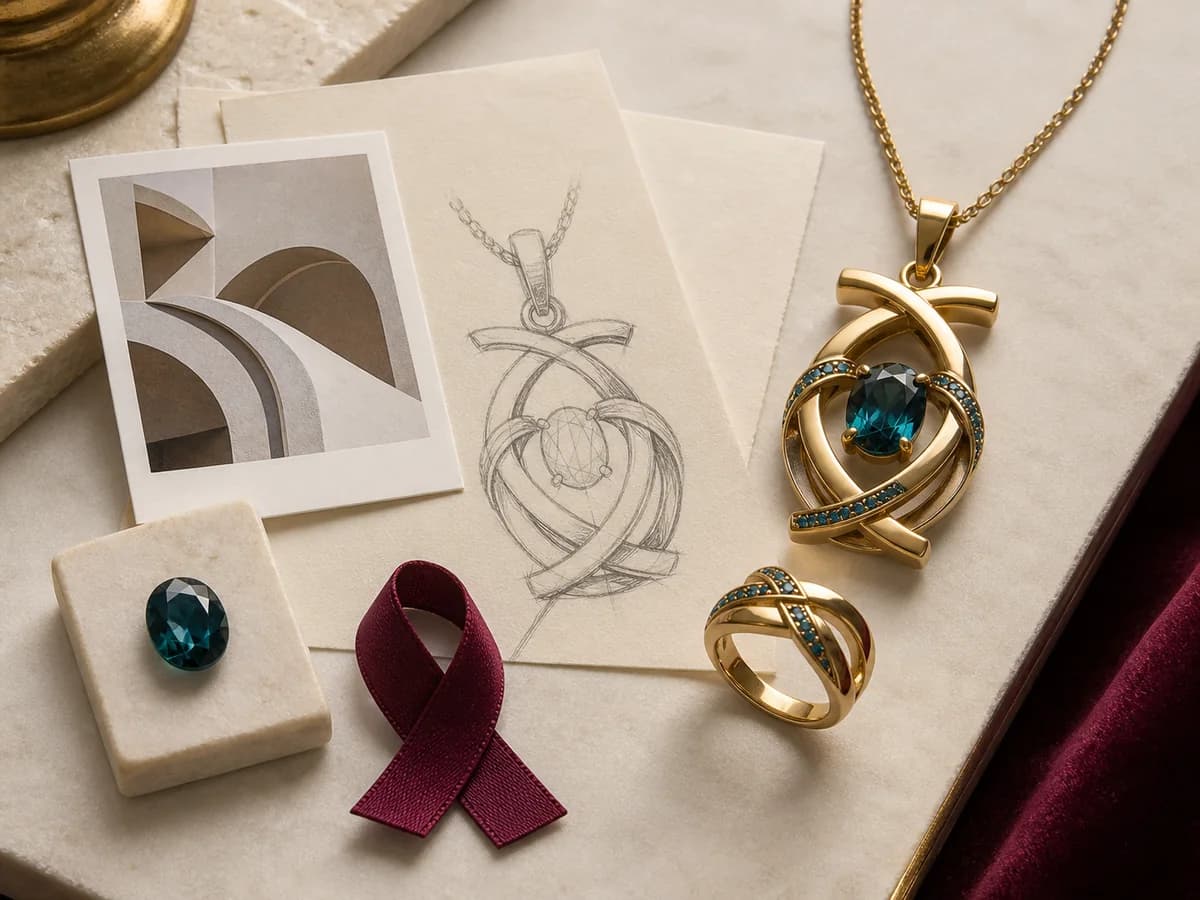
Choose what you have, what you want to make, and the detail that should lead. Leyloon carries this private brief into a new Atelier conversation. Before the first generation, you can choose Public, Loved ones, or Only me; Public is the default for generated previews.
There is no need to arrive with every detail. Start with the kind of help you would enjoy first.
You can add more as the direction becomes clearer.
Show the silhouette, relationship, or feeling you want to explore. Add real measurements separately when fit or scale matters.
Keep the line, symbol, proportion, or arrangement that matters, then tell Leyloon what may change.
Choose a Leyloon listing so its identity and listed specifications stay attached.
Describe the person, occasion, piece, style, metal, stone feeling, comfort, or budget in plain language.
If you have chosen a Leyloon listing, its identity and listed details can stay connected to the brief.
Begin with a shape, color, origin, size feeling, or budget. Leyloon helps you compare suitable options before the quote.
Start without a center stone when engraving, form, texture, initials, or a clean metal silhouette matters most.
These are design-preview examples, not finished products or customer results.
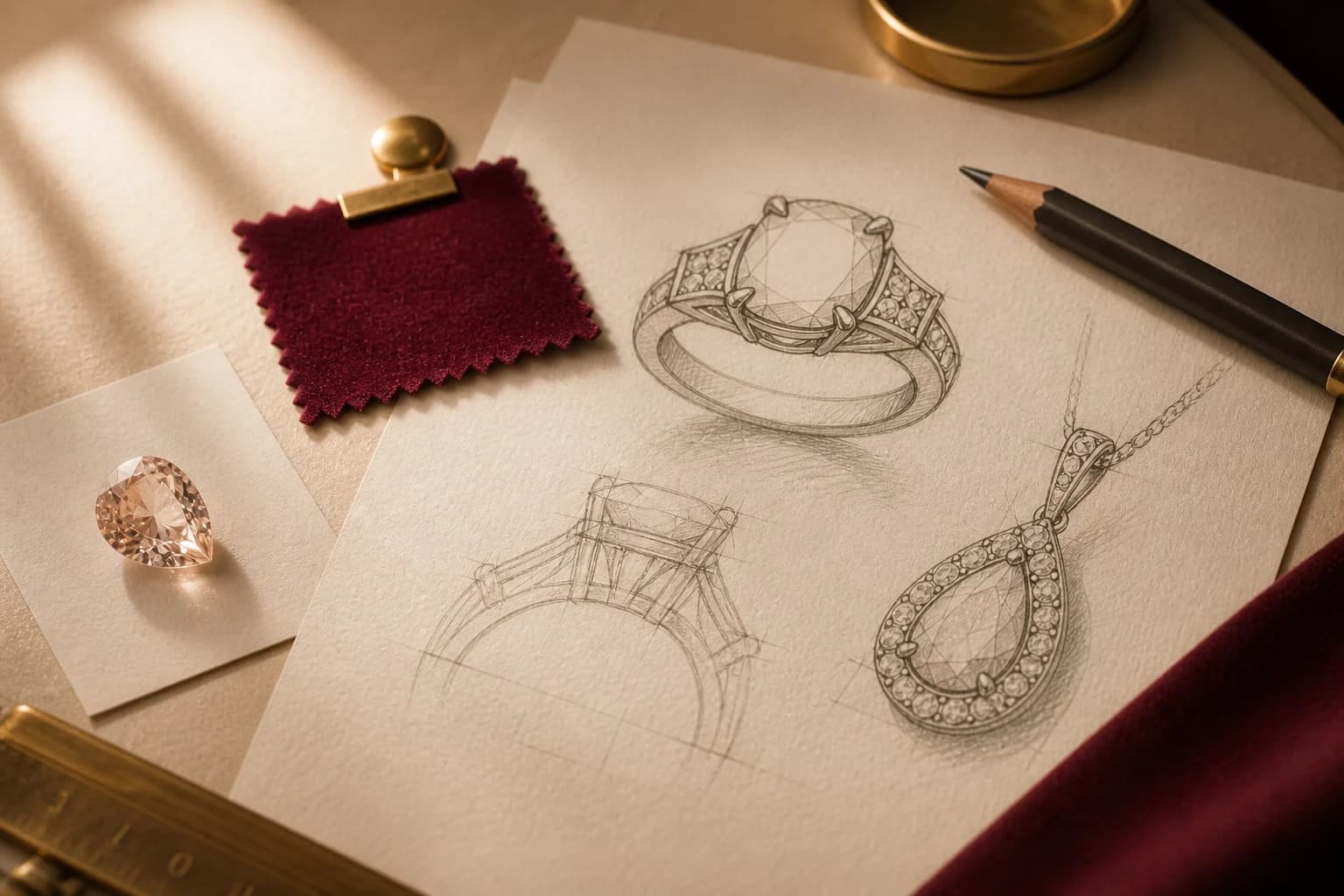
Share the proportion or detail you want to keep, then name what you would like Leyloon to refine.
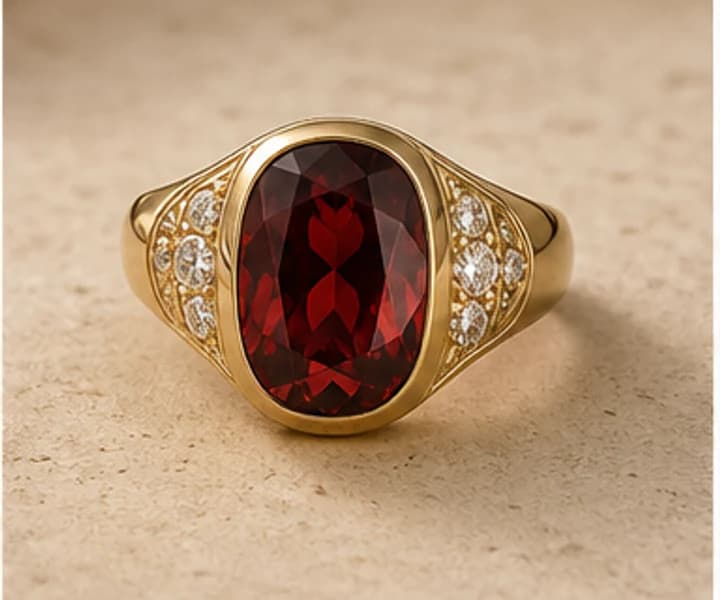
Describe the shape, color, setting mood, and how you want the piece to feel when worn.
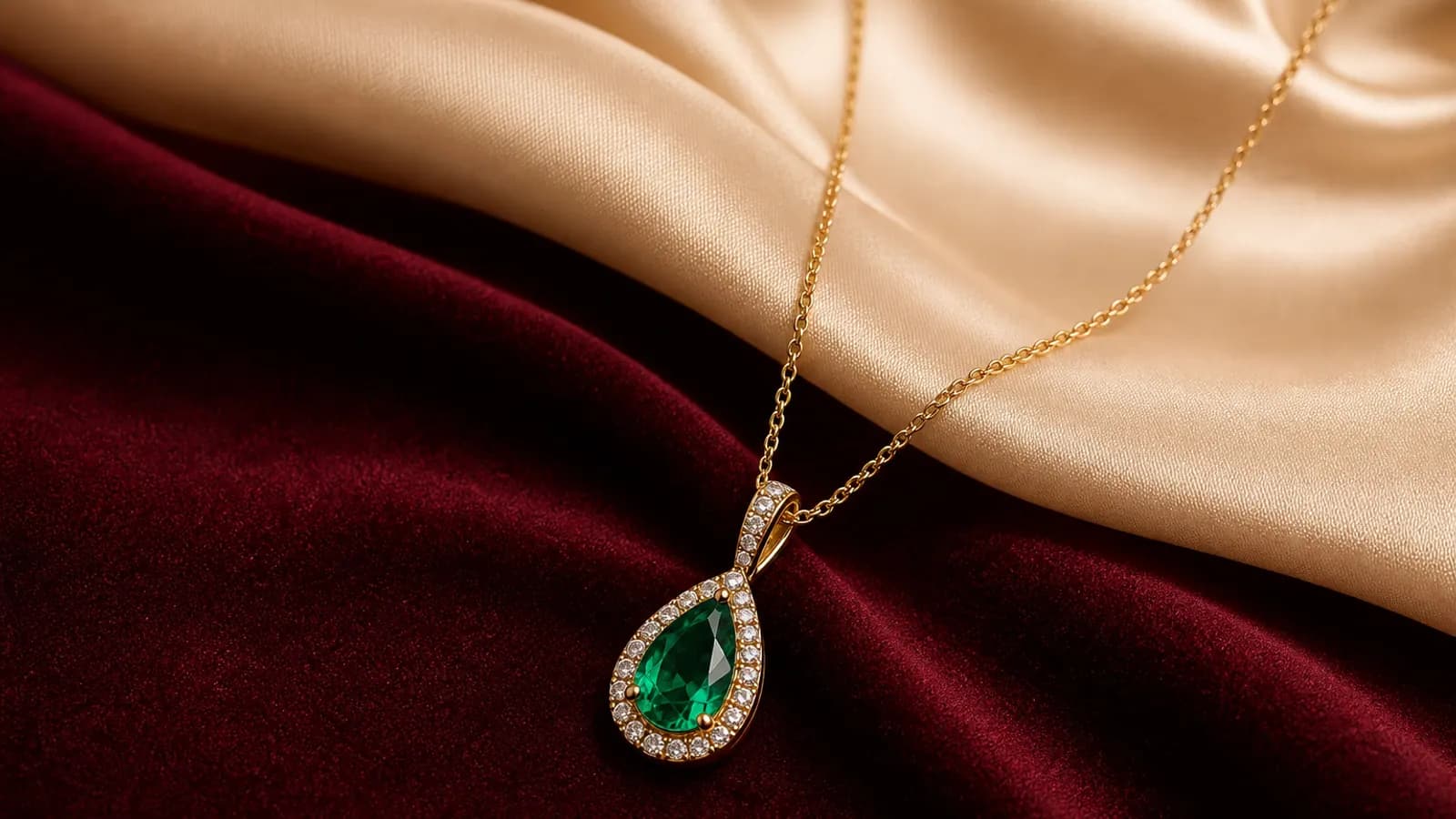
A story, symbol, occasion, or small detail is enough to shape a first design direction.
Begin with words, a permitted reference, a drawing, or a Leyloon stone. Every new Atelier conversation starts Public for generated previews; choose Loved ones or Only me before requesting the first generation if you prefer.
Keep what feels right. Refine the piece, metal, stone, angle, size direction, comfort, or style in the same design conversation.
Your selected direction and conversation stay connected to the request. Leyloon adds the reviewed price, included work, available choices, and any timing estimate in that same place.
A quote is not a purchase. If you approve the direction, the existing secure checkout and order path remains a later, separate choice.
Open Atelier, change the Public audience to Loved ones or Only me if you prefer, and request a quote only when the direction feels right.
Start a design for a quote