Choose a sizing, fit, stone, setting, style, gift, or care tool and understand the assumptions behind its result.
What this guide covers
- Ring-size tools
- Jewelry-fit visualizers
- Stone and setting comparators
- Style, gift, design, and care tools
What decision should the tool help with?
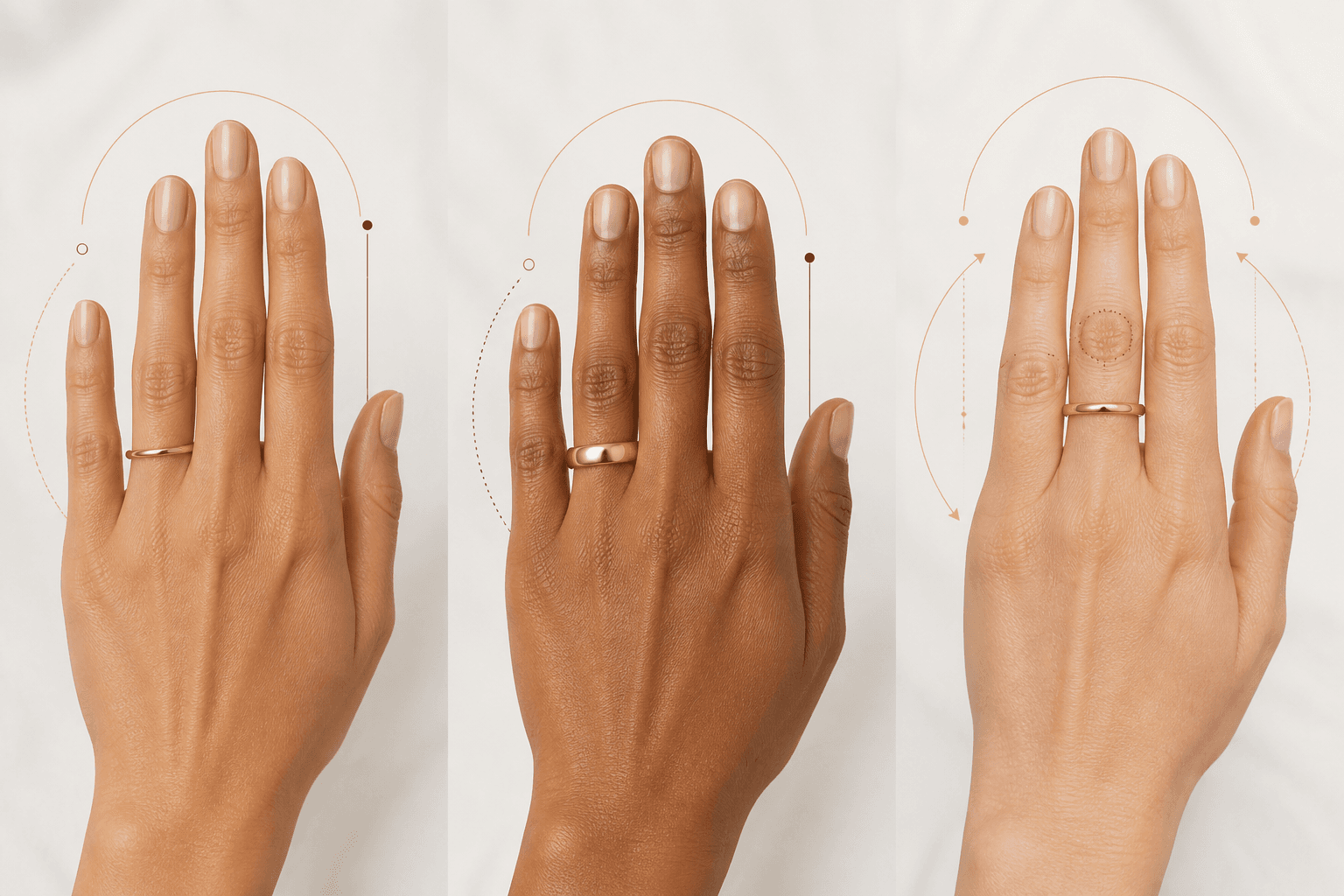
Ring-size tools
Choose the focused guide that most closely matches your question.
Topics: Ring Size Calculator, Printable Ring Sizer, International Ring Size Converter
Jewelry-fit visualizers
Choose the focused guide that most closely matches your question.
Topics: Necklace Length Visualizer, Bracelet Size Tool, Bangle Size Calculator, Earring and Hoop Size Visualizer
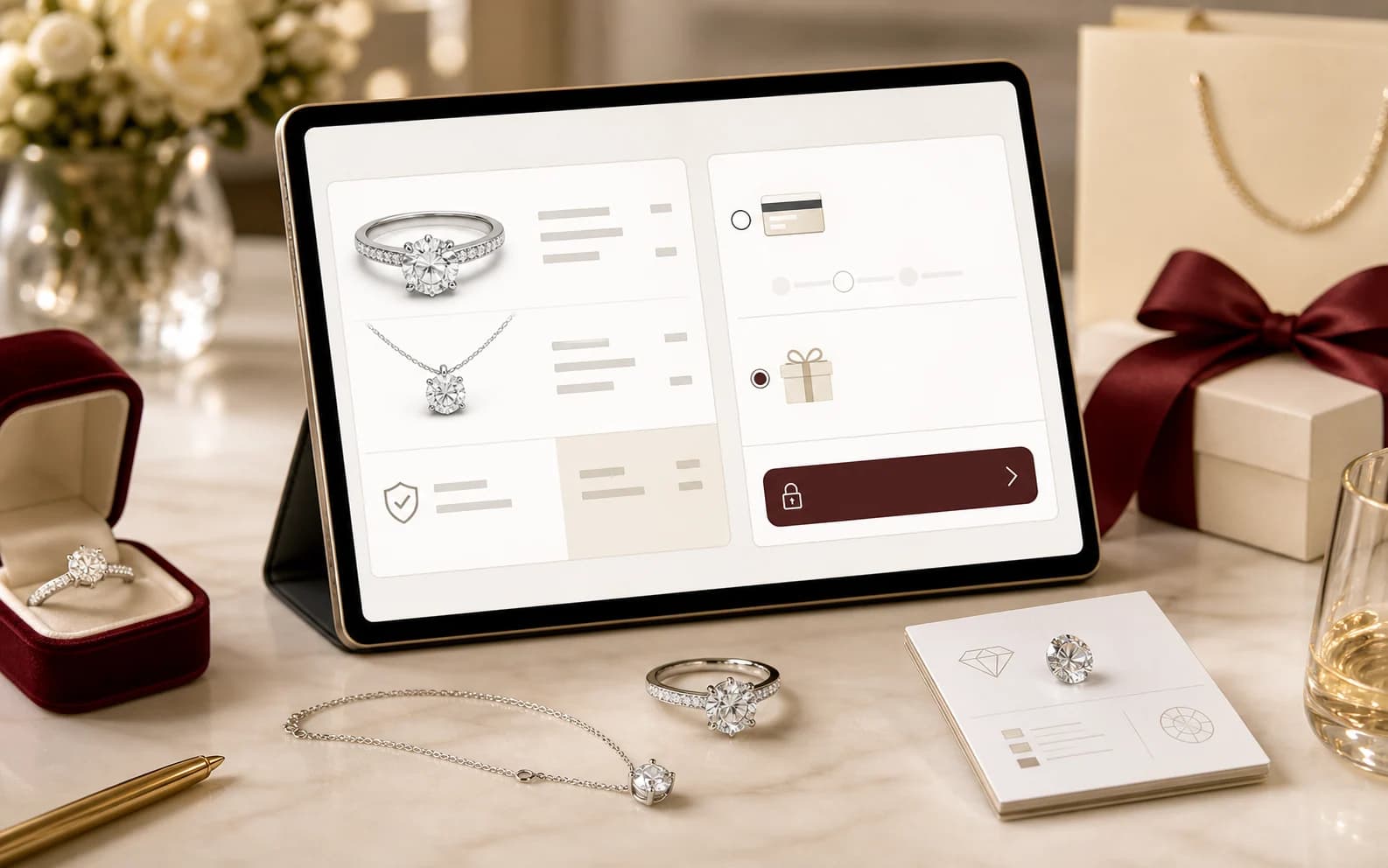
Stone and setting comparators
Choose the focused guide that most closely matches your question.
Topics: Diamond Carat-to-Millimeter Visualizer, Gemstone Size and Shape Visualizer, Stone Comparison Tool, Ring Setting Comparison Tool
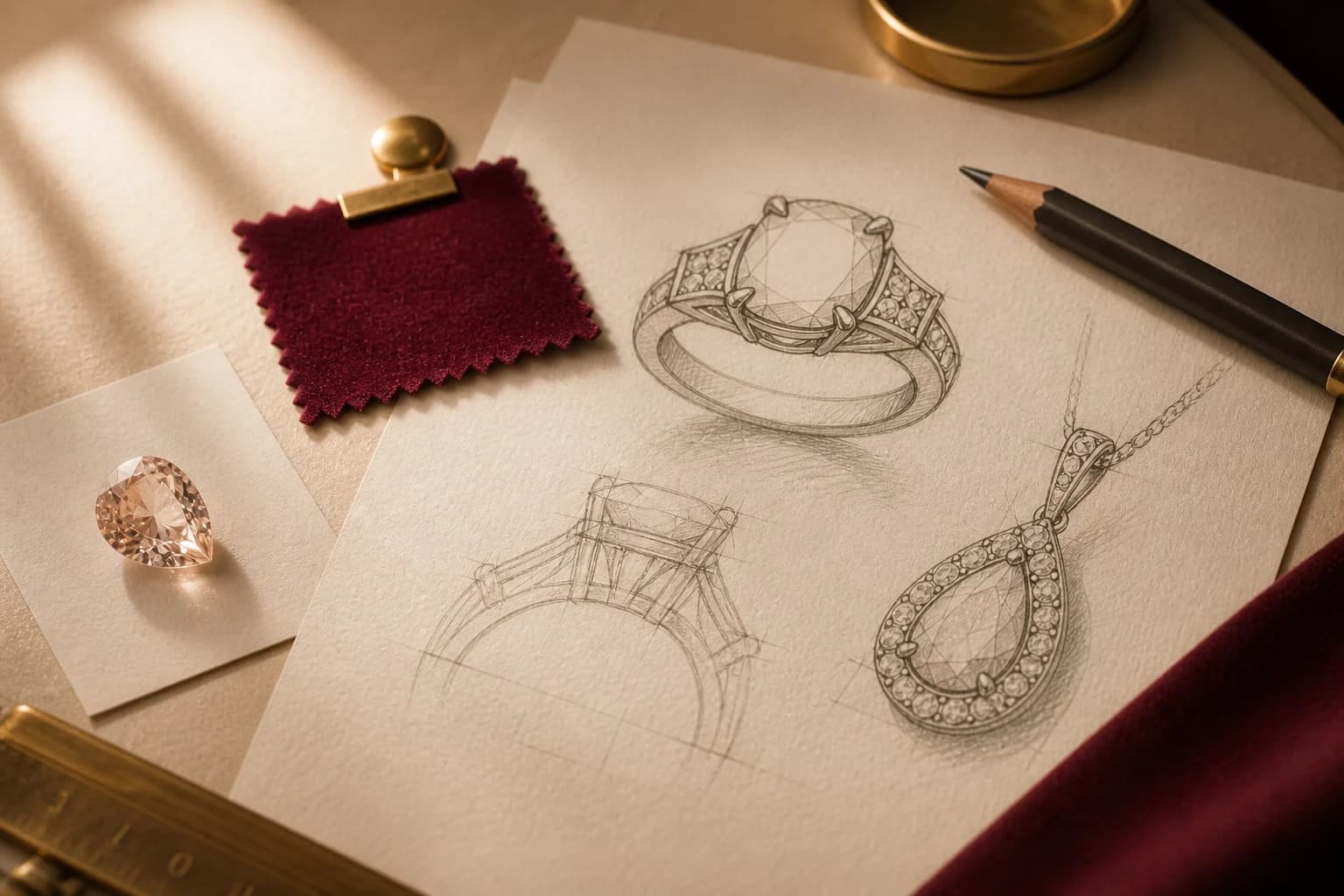
Style, gift, design, and care tools
Choose the focused guide that most closely matches your question.
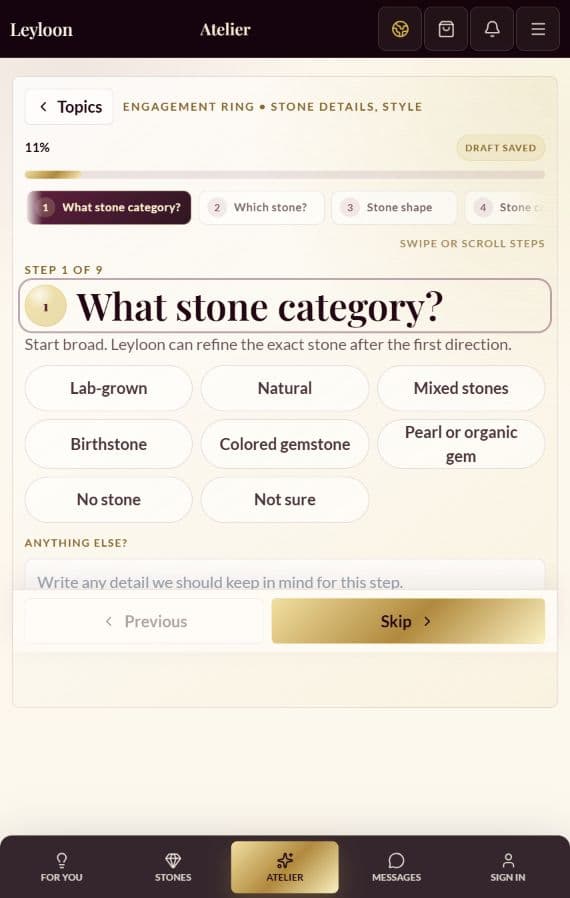
Topics: Engagement Ring Style Quiz, Jewelry Gift Finder, Custom Jewelry Design Brief Builder, Personal Jewelry Care Schedule Builder
Move from a broad question to a useful next step
- 01 — Name the decision
Begin with the fit, material, stone, style, care, gift, service, or design question that matters now.
- 02 — Open the focused guide
Use the narrowest matching topic so different intents do not get combined into thin or repetitive advice.
- 03 — Check the current details
Verify any product, policy, price, availability, timing, health, legal, or order-specific detail against a current source.
- 04 — Choose the next action
Continue learning, browse a current Leyloon surface, or ask a specific question without being forced into a purchase.
Review boundary
The names below organize the approved subjects. Each focused guide must be written, evidenced, linked, and reviewed on its own before it can be shared publicly.
What to expect from this center
- A complete answer before any optional Leyloon action
- Clear boundaries around changing or order-specific details
- A distinct canonical purpose for every focused guide
- Visible evidence, reviewer, freshness, and correction status before publication
Jewelry Tools and Calculators Center questions
Are all of the focused guides public now?
No. This page shows the approved topic structure. Each focused guide needs complete copy, evidence, and review before it can be shared publicly.
Does this center replace order-specific or professional advice?
No. Product, stone, policy, price, availability, timing, health, legal, and order details must be checked against the current applicable source or qualified professional.
Where should I begin?
Start with the group closest to your question: Ring-size tools, Jewelry-fit visualizers, Stone and setting comparators, and Style, gift, design, and care tools.
Continue exploring
Related guides
- Ring Size Calculator
- Printable Ring Sizer
- International Ring Size Converter
- Necklace Length Visualizer
- Bracelet Size Tool
- Bangle Size Calculator
- Earring and Hoop Size Visualizer
- Diamond Carat-to-Millimeter Visualizer
- Gemstone Size and Shape Visualizer
- Stone Comparison Tool
- Ring Setting Comparison Tool
- Engagement Ring Style Quiz
- Jewelry Gift Finder
- Custom Jewelry Design Brief Builder
- Personal Jewelry Care Schedule Builder