Describe what matters, not every possible detail
A useful prompt gives the first direction a clear lead while leaving room to explore.
Name the piece, wearer or occasion, one leading visual idea, useful materials, and anything you want to avoid. References can carry the details that are hard to name.
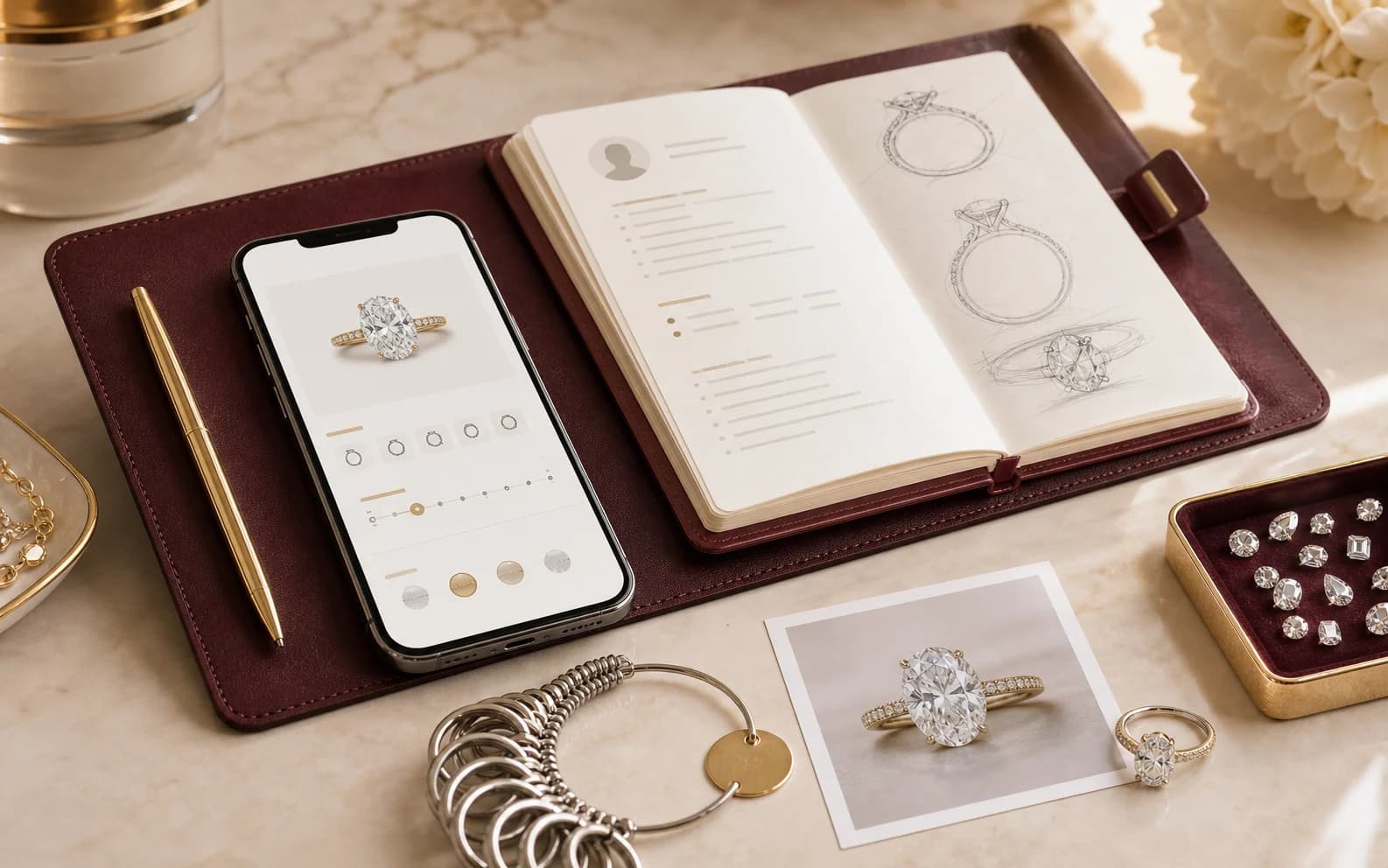
Working prompt builder
Build a clear first prompt from four simple choices.
The prompt stays private and carries into Atelier when you continue; it is not added to the page link.Design a engagement ring that feels quiet and refined. Let an oval center stone with a low profile be the leading idea. Please avoid a crowded or very high setting. Keep unresolved stone, fit, material, and making details open for Leyloon review.
A thoughtful answer before the next step
What should I include in an AI jewelry design prompt?
What matters here
Capture piece, purpose, must-keep details, materials, fit, style, and what to avoid; treat the generated image as a direction for conversation, not construction instructions.
Real ways this can begin
Find the path that feels closest to yours
A useful prompt might keep a grandmother's floral idea, request a lower profile, name 14K yellow gold, and leave the exact shoulder treatment open.
Keep what you already know, then compare the open choices without starting over.
When the direction feels ready, start a design with these preferences and continue with the next open choice.
Compare the decision in context
Weak and useful prompt details
Specific priorities help without prescribing every millimeter. Attach only references you may share and say exactly which curve, proportion, texture, color relationship, or meaning they contribute.
| Direction | Too vague | More useful | What to keep with it |
|---|---|---|---|
| Style | Make it beautiful | Quiet Art Deco geometry | Keep the reason for choosing style with the exact measurement, stone, or design being reviewed. |
| Scale | Not too big | Low profile and everyday presence | Keep the reason for choosing scale with the exact measurement, stone, or design being reviewed. |
| Reference | Copy this | Keep the taper; change the setting | Keep the reason for choosing reference with the exact measurement, stone, or design being reviewed. |
| Freedom | Choose everything | Explore metal and side details | Keep the reason for choosing freedom with the exact measurement, stone, or design being reviewed. |
See how the choice changes
Three ways writing a brief that leaves room for design can begin
These examples show how writing a brief that leaves room for design may begin. They are planning scenarios, not customer stories or finished-piece promises.
Story-led pendant
A family garden should inspire the piece.
- Direction
- Name one flower, visibility, scale, and daily use.
- Why it helps
- Meaning becomes a design instruction.
Reference-led ring
You like the shoulders in one permitted image.
- Direction
- Keep the taper but request a new center and gallery.
- Why it helps
- It creates an original direction.
Stone-led earrings
You know ruby color but not the form.
- Direction
- Name ruby-red focus, earring type, scale, and open metal.
- Why it helps
- Known and open choices are distinct.
Questions people ask in plain language
Answers for writing a brief that leaves room for design
Open the answer that helps with writing a brief that leaves room for design. Each response stays tied to “What should I include in an AI jewelry design prompt?”
How long should a prompt be?
Long enough to name the piece, lead idea, use, and boundaries.
Do I need jewelry terms?
No. Plain descriptions and a permitted reference are useful.
Can I leave the stone open?
Yes. Say what matters about color, outline, or scale.
Can I mention budget?
Yes. Use a budget direction to guide tradeoffs, not an invented price.
Should I list every detail?
No. Prioritize what must stay and what may change.
Carry the useful details forward
Keep the brief clear when you continue
Capture piece, purpose, must-keep details, materials, fit, style, and what to avoid; treat the generated image as a direction for conversation, not construction instructions.
Piece: Name ring, pendant, earrings, bracelet, or another piece.
Leading idea: Choose the detail that must stay strongest.
Wearer and use: Describe daily, occasional, gift, or milestone context.
Materials: Name known metal and stone directions.
Avoid: State shapes, details, or feelings you do not want.
Keep open: Say which choices Leyloon may explore.
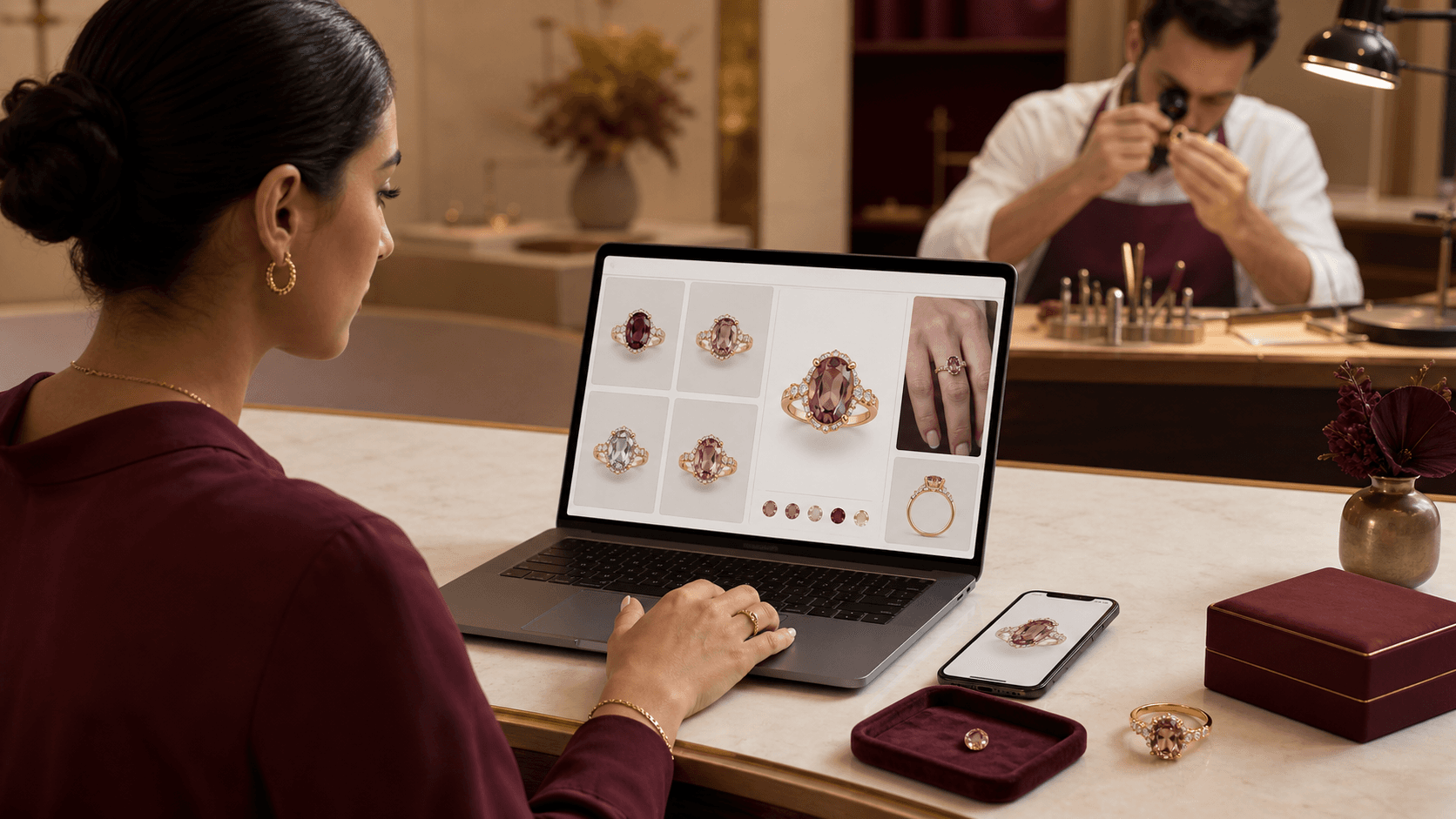
A visual map of this brief
See what stays known—and what remains open
This guide begins with “A useful jewelry prompt leads with one clear idea.” The next choices stay grouped, editable, and connected to that same Atelier brief.
- Ring settingChoose one coherent structure for the center setting.
- Stone shapeChoose the complete outline family you want to start from.
- MetalChoose the primary metal direction. Alloy, finish, wear, and exact construction remain reviewable.
- Visual characterPick the feeling you want the design to communicate.
Start with what matters on this page
Choose a clear starting direction
Choose what you know now. Every choice remains editable in Atelier, and you can leave anything else open.Published customer proof
Real experiences, kept separate from promises
Only approved purchase-linked reviews appear here. An illustrative scene is never presented as a customer, and one person’s experience is never treated as a promise for another piece.See what Leyloon customers have shared
Read recent shop reviews on Etsy, then come back when you are ready to shape your own custom jewelry direction.
These reviews reflect individual Leyloon service experiences. Your custom jewelry direction and quote request are reviewed on their own.