Color belongs to a viewing condition
Compare gemstone color across useful light, media, backgrounds, and the exact stone record.
Screens and cameras add another layer. Ask what light was used, view more than one image or video when available, and keep color expectations tied to the exact stone.
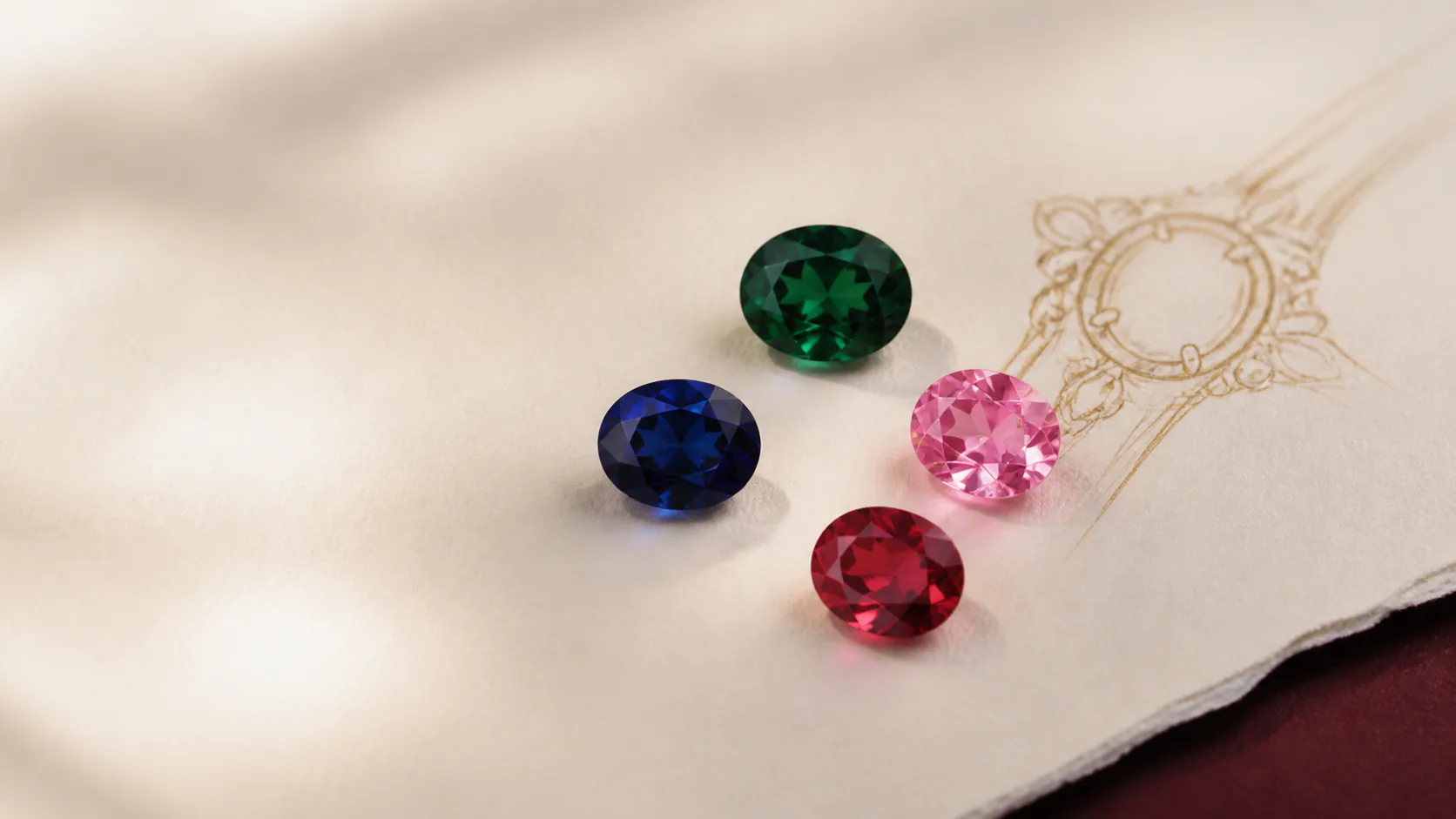
A clear answer for this stone choice
Help a shopper compare color across daylight, indoor light, camera processing, screen display, metal, and setting context.
A gemstone can look different because the light source, background, camera white balance, exposure, editing, and screen all influence the image. The stone's own cut, depth, and optical behavior matter too.
Compare labeled media under more than one controlled lighting condition when it is available. Treat every online swatch as a direction, then use the exact stone record and offered real media for the buying decision.
Who this can help
See whether this feels like your decision
- A buyer worried that a stone looks different across two product photos
- A colored-stone client choosing between warm and cool metal
- A remote shopper who wants real media before approving an important stone
Ways it may become part of your story
Meaning does not have to follow one occasion
- Remote engagement-ring purchase
- Birthstone gift
- Colored-stone redesign
Birthstone contextColor comparison can help with any birthstone choice because the way a gem looks in different light matters more than a generic month swatch.
One useful decision at a time
Which color family should the comparison preserve?
Use which color family should the comparison preserve? to narrow “Help a shopper compare color across daylight, indoor light, camera processing, screen display, metal, and setting context.”. When one feels right, choose it in the selector on this page and carry that exact starting point into Atelier.
- BlueCompare warmth, coolness, and depth under consistent light.
- GreenWatch for yellow, blue, olive, or gray relationships.
- Ruby redCompare brightness, depth, and warm or cool lean.
- PinkKeep blush, peach, purple, and brown modifiers visible.
- Color-shiftingUse more than one named light source.
Compare without flattening the details
Why two images may disagree
| Variable | What may change | Useful check |
|---|---|---|
| Light source | Hue and brightness relationship | Compare labeled daylight and warm indoor light |
| Background | Contrast and apparent saturation | Use one neutral reference background |
| Camera and edit | White balance, exposure, and intensity | Ask whether media is color-corrected |
| Screen | Displayed color and brightness | Review on more than one display when the decision is sensitive |
| Metal and setting | Reflected warmth or coolness | Preview the same stone direction in planned metal |
This comparison explains perception; it does not diagnose an exact stone or guarantee color in every room.
Questions worth asking before you decide
Open the question that is already on your mind
Which photo is the true color?
No single photograph can promise every viewing condition; labeled, controlled comparisons are more useful.
Will metal change the gemstone itself?
No, but nearby metal and reflections can change the color relationship you perceive.
Can Leyloon show real stone media?
When media is available for an exact stone, Leyloon keeps it linked to that stone and clearly labels it separately from illustrative previews.
From a direction to a piece you can approve
Know what happens after the first design
For “Help a shopper compare color across daylight, indoor light, camera processing, screen display, metal, and setting context.”, a design preview is the beginning, not an automatic production promise. Leyloon reviews the stone, fit, materials, price, and making details with you before you choose whether to buy.
- Design reviewLeyloon compares the chosen color family beside the intended metal, stone outline, and piece type.
- Exact-stone reviewReal media, light labels, dimensions, treatment information, and documentation stay specific to the exact stone when supplied.
- Quote requestThe color direction and viewing concerns stay on the same quote request as Leyloon adds options, price, and status.
- Your approval choiceIf real stone or finished-piece media is offered, the customer's approval preference is recorded before the applicable next step.
- Requests & ordersColor questions and approvals remain visible with the request and order instead of disappearing into a separate quiz.
Continue without starting over
Atelier keeps what you already know
The details you have already chosen for “Help a shopper compare color across daylight, indoor light, camera processing, screen display, metal, and setting context.” remain selected and editable. You continue from the next relevant choice, without having to repeat the beginning.
Private details stay private. Any notes, personal measurements, uploaded references, or exact-stone documents used to refine “Help a shopper compare color across daylight, indoor light, camera processing, screen display, metal, and setting context.” stay with your design request and are not placed in a shareable web address.
- Piece
- Ring
- Next step
- Your next unanswered choice
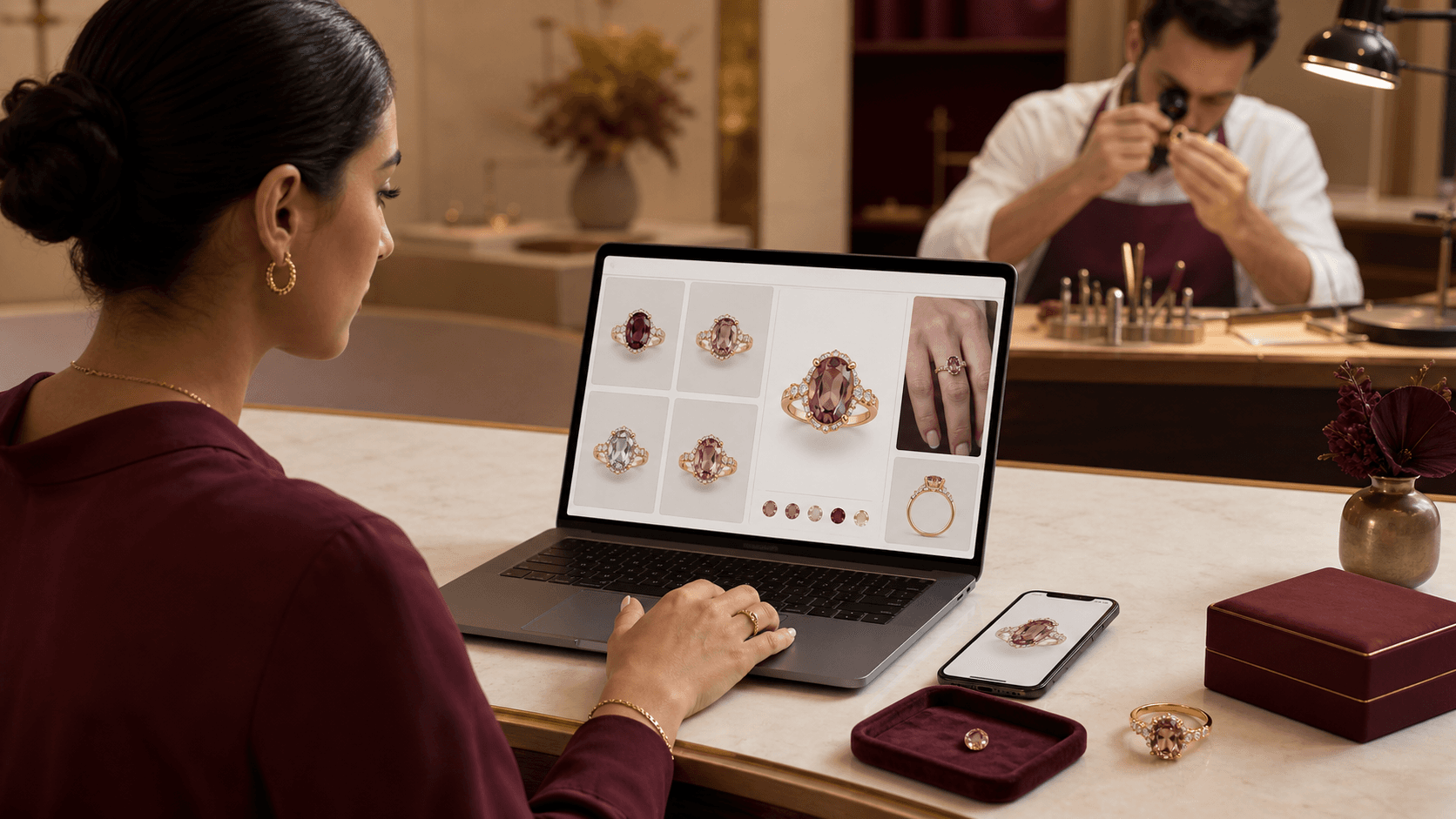
A visual map of this brief
See what stays known—and what remains open
This guide begins with “Gemstone color changes with light, camera, screen, cut, and surroundings.” The next choices stay grouped, editable, and connected to that same Atelier brief.
- Piece to designChoose one piece. The following questions adapt inside Atelier.
- Laboratory-grown gemstoneChoose the gemstone first. The color choices will adapt to an exact named choice; choose another gemstone to leave its type open for Atelier.
- Color directionThese choices follow the gemstone above. Exact shade still belongs to the stone you review.
- Stone shapeChoose the complete outline family you want to start from.
Start with what matters on this page
Choose the stone before its color and setting
Start with the piece and gemstone choice. The later choices should follow that decision, not compete with it.Published customer proof
Real experiences, kept separate from promises
Only approved purchase-linked reviews appear here. An illustrative scene is never presented as a customer, and one person’s experience is never treated as a promise for another piece.See what Leyloon customers have shared
Read recent shop reviews on Etsy, then come back when you are ready to shape your own stone-led jewelry direction.
These reviews reflect individual Leyloon service experiences. Your stone-led jewelry direction and quote request are reviewed on their own.